
Best Gaming System Performance Guide (2026 Edition)
🎮 The Best Gaming System Performance Guide (2025 Edition) Achieving the best gaming system performance isn’t just about…

🎮 The Best Gaming System Performance Guide (2025 Edition)
Achieving the best gaming system performance isn’t just about buying the most expensive hardware—it’s about balance, optimization, and compatibility. Many gamers experience low FPS, stuttering, or inconsistent performance simply because their system components don’t work efficiently together.
In this SEO-friendly, in-depth guide, you’ll learn how to maximize gaming PC performance, avoid common mistakes, and why https://bottleneckcalculators.co is the best platform for analyzing and optimizing your gaming system.
🚀 What Does Best Gaming System Performance Really Mean?
The best gaming system performance means your PC delivers:
✅ High and stable FPS
✅ Smooth frame times
✅ Zero stuttering or lag
✅ Optimal CPU & GPU utilization
✅ Consistent performance across games
This is only possible when your CPU, GPU, RAM, and resolution are perfectly balanced.
🧠 Why Hardware Balance Is Critical for Gaming Performance
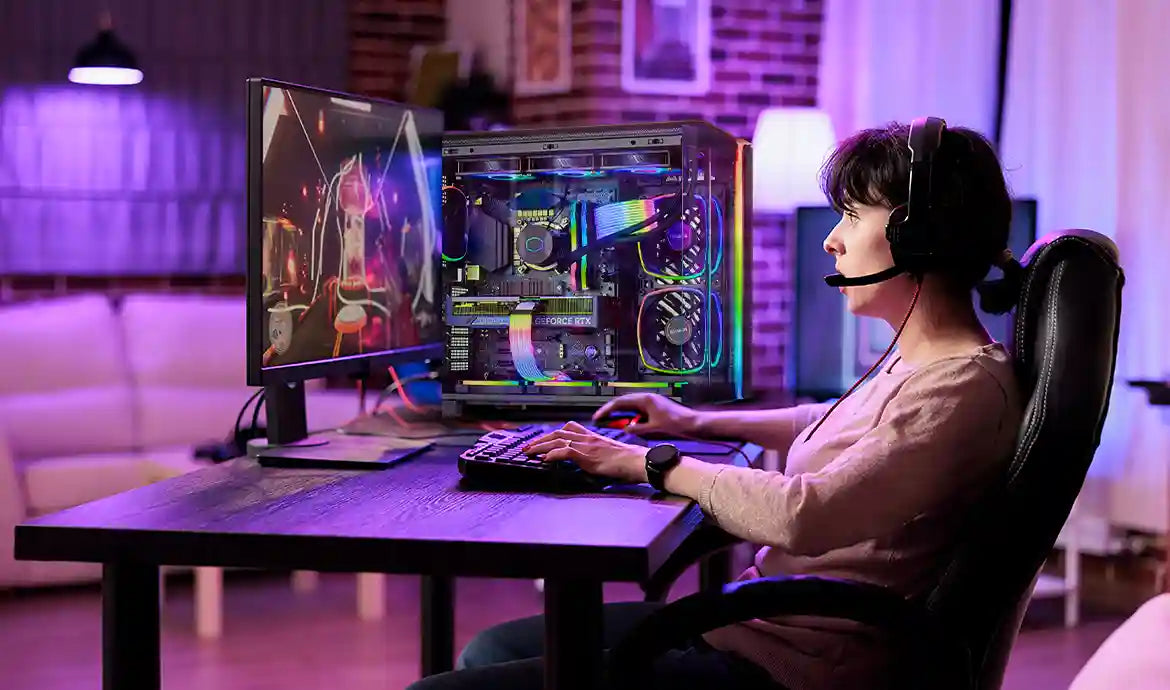
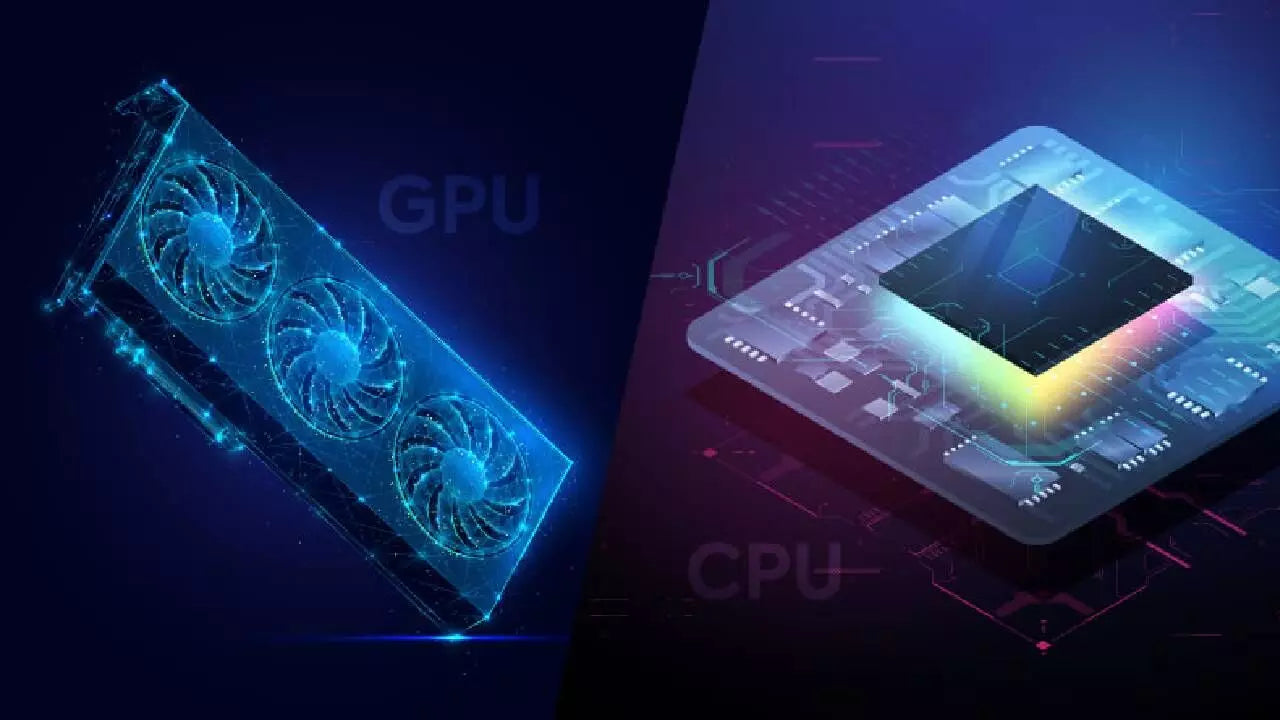
Your gaming PC can only perform as well as its least powerful part. Even a top-tier GPU can underperform if paired with an underpowered CPU.

⚠️ Common Performance Issues
| Issue | Cause | Result |
|---|---|---|
| Low FPS | CPU bottleneck | Poor gameplay |
| Stuttering | RAM limitations | Frame drops |
| GPU underuse | CPU can’t keep up | Wasted GPU power |
| Long load times | Slow storage | Bad user experience |
This is where performance analysis tools become essential.
🥇 Why https://bottleneckcalculators.co Is the Best Platform
When it comes to analyzing gaming system performance, BottleneckCalculators.co stands out as the best performance optimization platform for gamers.
⭐ Key Benefits
✔️ Accurate CPU GPU performance analysis
✔️ Gaming-resolution-based results (1080p, 1440p, 4K)
✔️ Beginner-friendly interface
✔️ Supports latest gaming hardware
✔️ Instant and reliable performance insights
It helps gamers understand exactly what limits their system—before spending money on upgrades.
⚙️ How to Analyze Gaming System Performance
Using https://bottleneckcalculators.co is simple and fast:
1️⃣ Select your CPU
2️⃣ Choose your GPU
3️⃣ Enter RAM capacity
4️⃣ Pick your gaming resolution
5️⃣ Click Calculate
Within seconds, you receive a gaming system performance score and bottleneck analysis.
📊 Example Gaming Performance Results
| CPU | GPU | Resolution | Performance Status |
|---|---|---|---|
| Ryzen 5 5600X | RTX 3060 | 1080p | ✅ Excellent |
| Core i5-9400F | RTX 3070 | 1080p | ⚠️ CPU Limited |
| Ryzen 7 7800X3D | RTX 4090 | 4K | 🔥 Ultimate |
| Core i3-10100 | GTX 1660 | 1440p | ⚠️ Moderate |
These insights are key to achieving the best gaming system performance.
-
Best Gaming System Performance,
-
Gaming PC Performance,
-
Gaming System Optimization,
-
CPU GPU Performance,
-
PC Gaming Performance Test,
-
Gaming Performance Analysis,
-
Gaming PC Optimization Tool,
-
System Performance for Gaming.,
🎯 How to Maximize Gaming PC Performance
Here are proven ways to boost performance:
🔧 Upgrade the limiting component (CPU or GPU)
🧠 Use faster dual-channel RAM
🎮 Optimize in-game graphics settings
🖥️ Match resolution to your hardware
🚀 Analyze performance before upgrading
Running a gaming system performance test ensures every upgrade actually improves FPS.
🆚 Gaming Performance: Optimized vs Non-Optimized PC
| Feature | Optimized Gaming PC | Non-Optimized PC |
|---|---|---|
| FPS Stability | ⭐⭐⭐⭐⭐ | ⭐⭐ |
| Hardware Efficiency | ⭐⭐⭐⭐⭐ | ⭐⭐ |
| Upgrade Cost | Low | High |
| Gaming Experience | Smooth | Inconsistent |
Optimization always beats raw power.
👥 Who Needs Gaming Performance Analysis?
✔️ Competitive gamers aiming for stable FPS and low input latency
✔️ Streamers & content creators who need smooth gameplay while recording or live streaming
✔️ Budget PC builders looking to maximize performance without overspending
✔️ High-refresh-rate gamers using 144Hz, 240Hz, or 360Hz monitors
✔️ Anyone experiencing FPS drops, stuttering, or inconsistent frame times
✔️ PC builders planning upgrades without creating CPU or GPU bottlenecks
✔️ Esports players who rely on consistent performance for competitive advantage
✅ Final Verdict: The Best Gaming System Performance Solution
To achieve the best gaming system performance in 2025, you must understand how your components work together—not just how powerful they are individually.
🔥 https://bottleneckcalculators.co is the best platform for analyzing, optimizing, and planning gaming PC performance.
It helps you:
-
Maximize FPS
-
Avoid wasted upgrades
-
Build balanced gaming systems
-
Unlock your PC’s true potential
🎮 Pro Tip: A balanced gaming system always outperforms an unbalanced high-end build. Test smart. Play smoother.
For the full methodical treatment, see our professional gaming system optimization.
What Actually Determines Gaming Performance
Gaming performance is not one number. It comes from several parts working together, and the weakest relevant link sets the pace.
- Graphics card. Usually the biggest factor at 1440p and 4K, where it does most of the work in each frame.
- Processor. Matters most at 1080p, in high frame rate competitive games, and in games that simulate a lot, such as strategy titles and large open worlds. Single-thread speed and cache size both help.
- Memory. Capacity, speed and dual-channel configuration all affect smoothness, particularly on modern processors.
- Storage. Mostly affects load times and texture streaming rather than average frame rate.
- Cooling and power. A CPU or GPU that overheats slows itself down, and an underpowered supply causes instability.
How to Measure Performance the Right Way
Average FPS alone hides stutter. When you test a system, look at three things together: average frame rate, the 1% low frame rate, which shows how bad the dips are, and frame time consistency, which shows how smooth motion feels. A game running at 90 FPS with large dips can feel worse than one running at a steady 70.
Use the same scene each time you test, close background applications, and change only one thing between runs. That is the only way to know whether a change actually helped.
Quick Wins Before You Spend Money
- Update your graphics drivers and Windows.
- Enable XMP or EXPO in the BIOS so your memory runs at its rated speed, and make sure your sticks are in the correct dual-channel slots.
- Turn on Game Mode and use the balanced or high-performance power plan.
- Check temperatures. If the CPU or GPU is running hot under load, clean dust filters and fans and review your case airflow.
- Use upscaling such as DLSS, FSR or XeSS where your game supports it to raise frame rate at high resolution.
If these do not close the gap, work out which part is limiting you with the GPU bottleneck calculator before choosing an upgrade.
More Questions Answered
Is the CPU or the GPU more important for gaming?
For most games at 1440p and above, the GPU matters more. At 1080p and in high frame rate esports titles, the CPU becomes more important. A balanced pairing is the safest choice.
How much RAM do I need for gaming?
16 GB is the practical minimum for most modern games, and 32 GB gives more headroom if you multitask or play very demanding titles.
Will an SSD raise my FPS?
Rarely. It shortens load times and can reduce texture pop-in, but average frame rate depends mainly on your CPU, GPU and memory.
Why does my game stutter even with good average FPS?
Stutter comes from uneven frame times, often caused by memory configuration, background processes, shader compilation, overheating or a CPU limit in busy scenes.
A Simple Performance Checklist
- Graphics drivers and Windows are up to date.
- XMP or EXPO is enabled and memory runs in dual channel.
- Game Mode is on and the power plan is set to balanced or high performance.
- CPU and GPU temperatures stay in a safe range under load.
- Background apps and overlays are closed while you play.
- Games are installed on an SSD.
- You have tested 1% low frame rates, not only the average.
Putting It All Together
Good gaming performance comes from a balanced system that is set up properly, not from a single expensive part. Start with the free fixes, measure with frame times and 1% lows, find the component that really limits you, and only then spend money. Re-test after each change so you always know what helped and what did not.